
A calm budget you keep together on iPhone
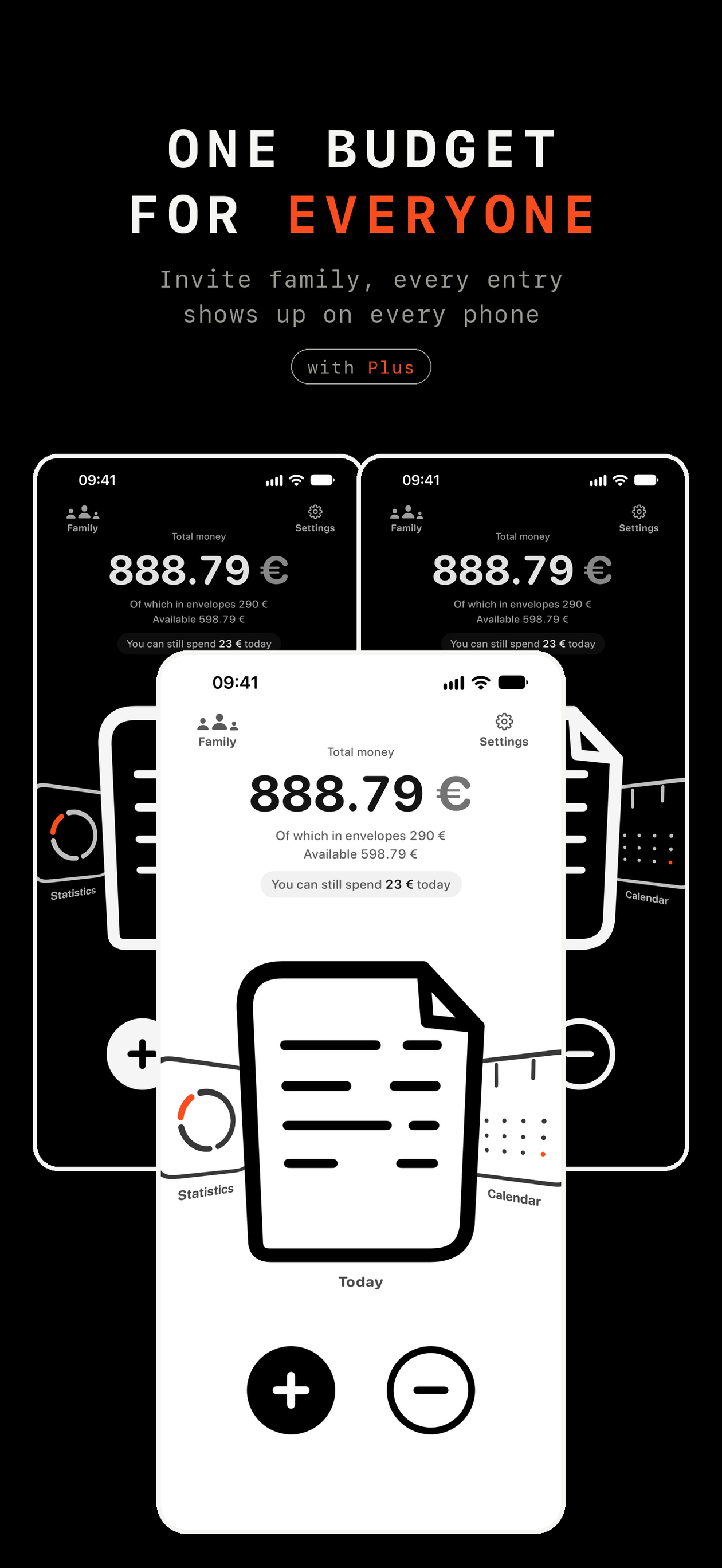
Every entry shows up on every phone in the budget
No bank to link and no sign-up
Free to download, iPhone with iOS 26 or later
What it is
You and your partner, or the whole family, write down what came in, what went out and what you set aside
Records live on your phone and in iCloud, so there is no account to create and nothing to connect
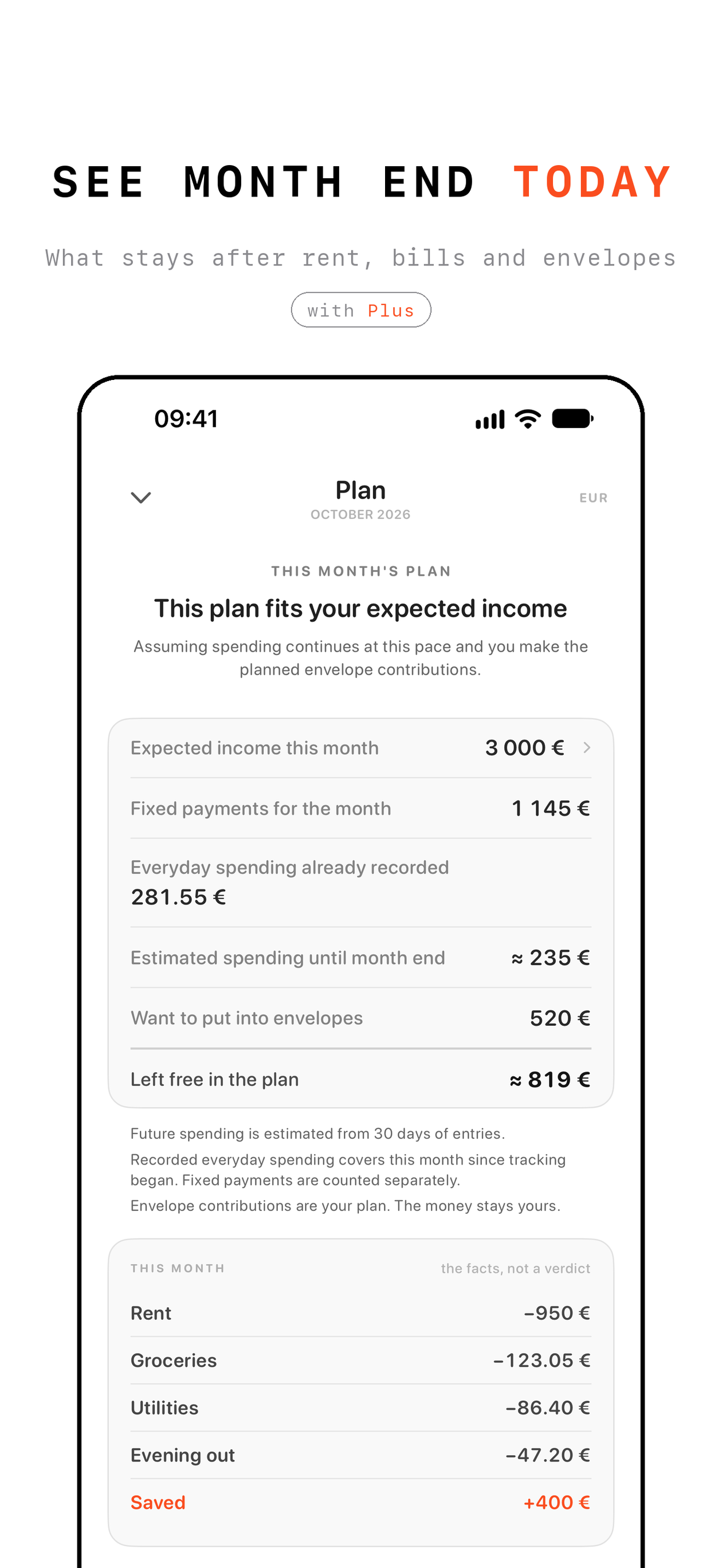
The month starts with a plan: your income, fixed payments and envelopes
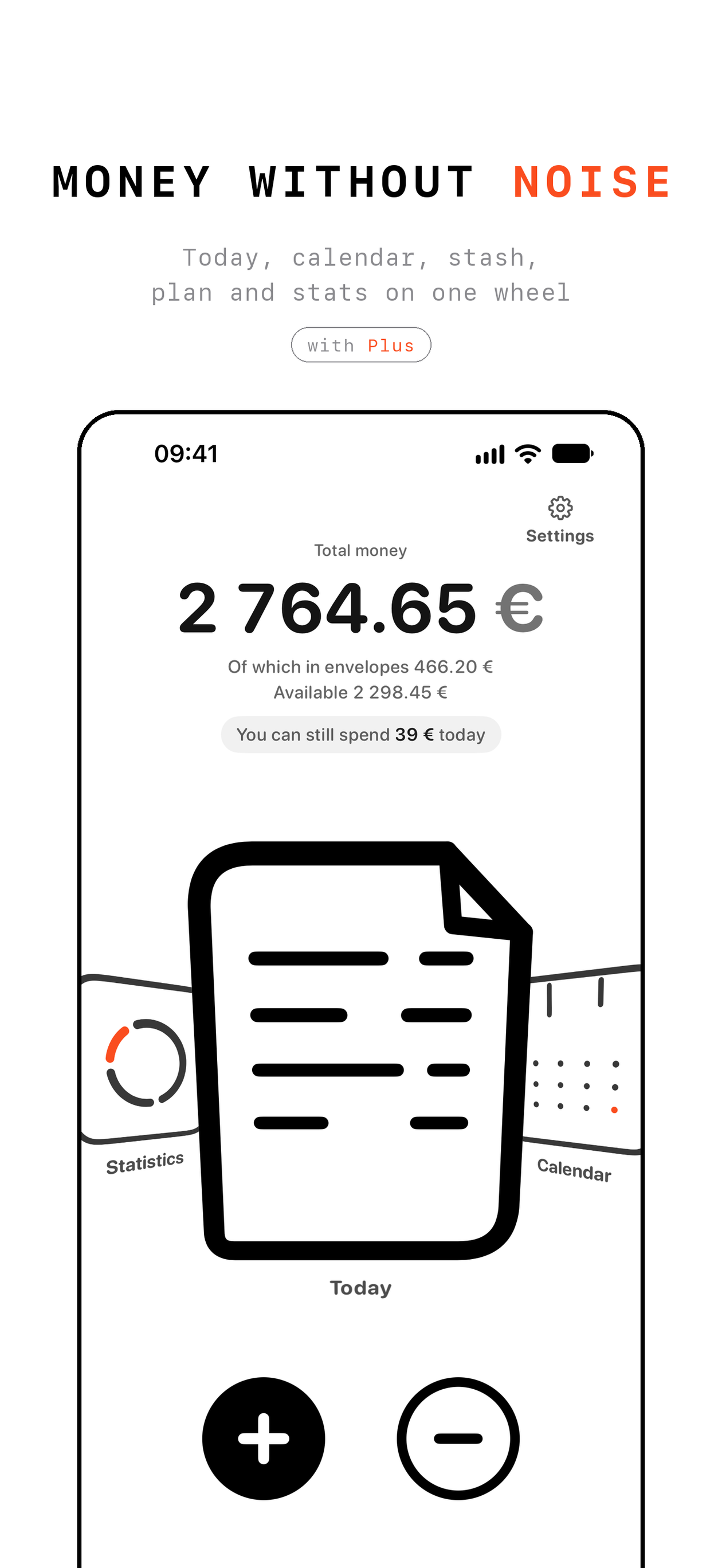
Then the main screen tells you one number: how much you can still spend today
It shows the facts, not a verdict
Finance Three speaks 11 languages and knows 31 currencies
Three screens
In the press
„Eine große Stärke von Finance Three ist das gemeinsame Verwalten von Geld“
A first look at Finance Three as a budget for couples, shared flats and families: quick entries, no bank, no ads and no tracking
Free and Plus
Free, forever
- Logging spending and income in a few seconds
- Over a hundred icons and notes
- The calendar, future entries included
- Widgets on the Home Screen and Lock Screen
- What came in and what you spent each month
- Backups to the Files app
Finance Three Plus
- One shared budget with entries from everyone
- The monthly plan and how much you can spend today
- Envelopes for everyday money, savings and a reserve
- Fixed payments with reminders
- Spending by category
- Monthly or yearly, the yearly plan starts with one month free
One Plus covers up to six people in your Apple Family Sharing group
Questions
Do I need to link a bank?
No, you type each entry yourself and it takes a few seconds
Finance Three never asks for bank or card details
Do I need an account?
No sign-up at all
Finance Three uses the iCloud account that is already on your iPhone
How do two of us share one budget?
Create a family budget and invite people through iCloud
Everyone in it sees every entry on their own phone
Each of you still keeps a personal budget, separate and private
What does Plus cost?
In the US it is $3.99 a month or $24.99 a year, and the yearly plan starts with one month free
The App Store shows the price in your own currency before you pay
Cancel any time in Settings › your name › Subscriptions
What happens if Plus ends?
Nothing you created is deleted and it all stays visible
Envelopes and fixed payments pause until Plus is back
Who can see my money?
Only you and the people you invite
We run no server for your budget, and there are no ads and no tracking
More answers on the support page
Press kit
App icon, five App Store screens and a fact sheet
Press kit, ZIP, 1.5 MB Fact sheet, TXT
 App icon, 1024 px
Money without noise
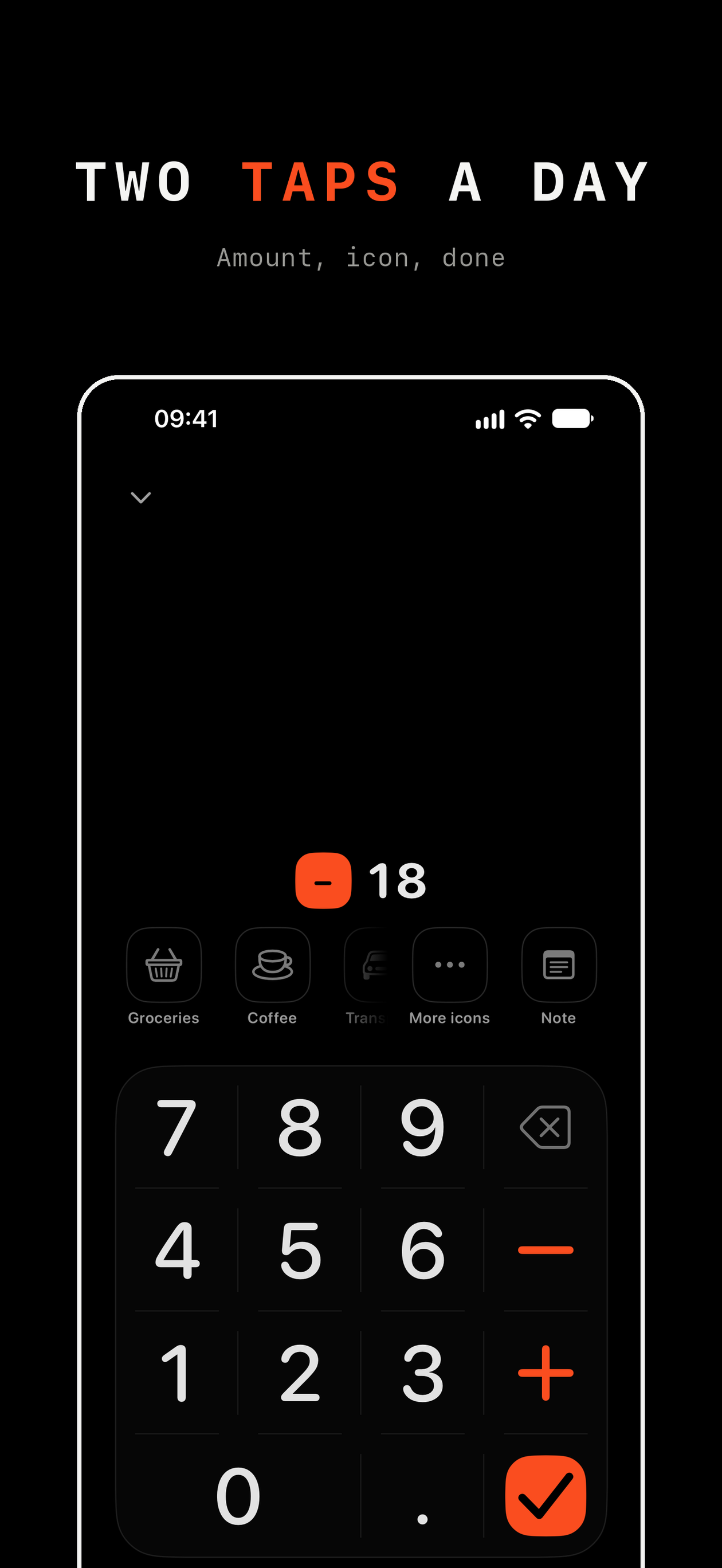 Two taps a day
See month end today
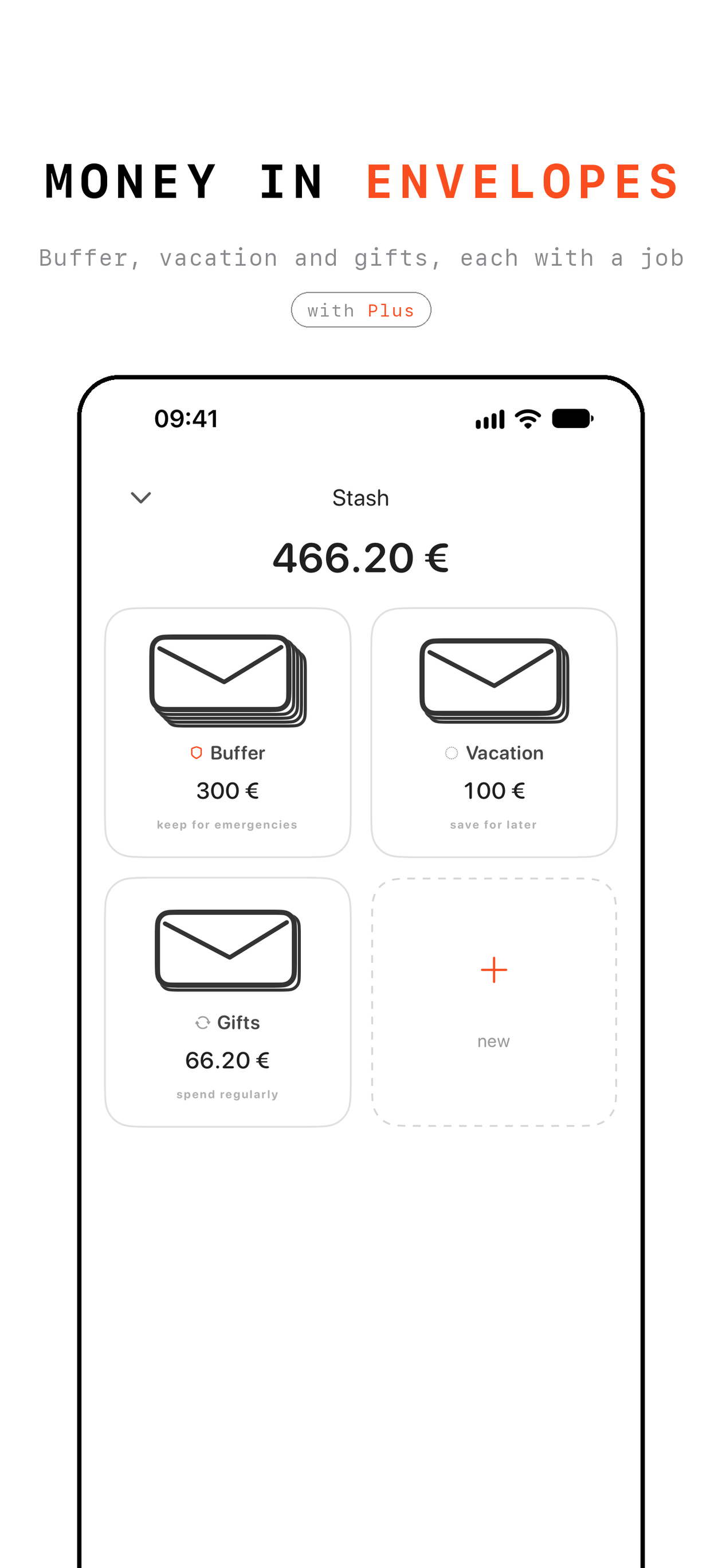 Money in envelopes
One budget for everyone
- Developer
- Zhorzhua Studio, Manorhamilton, Ireland
- Released
- 30 September 2026
- Platform
- iPhone, iOS 26 or later
- Languages
- English, French, German, Italian, Japanese, Polish, Portuguese (Brazil), Russian, Simplified Chinese, Spanish, Ukrainian
- Contact
- [email protected]
Free Plus codes for reviewers on request